
Last updated November 15, 2026
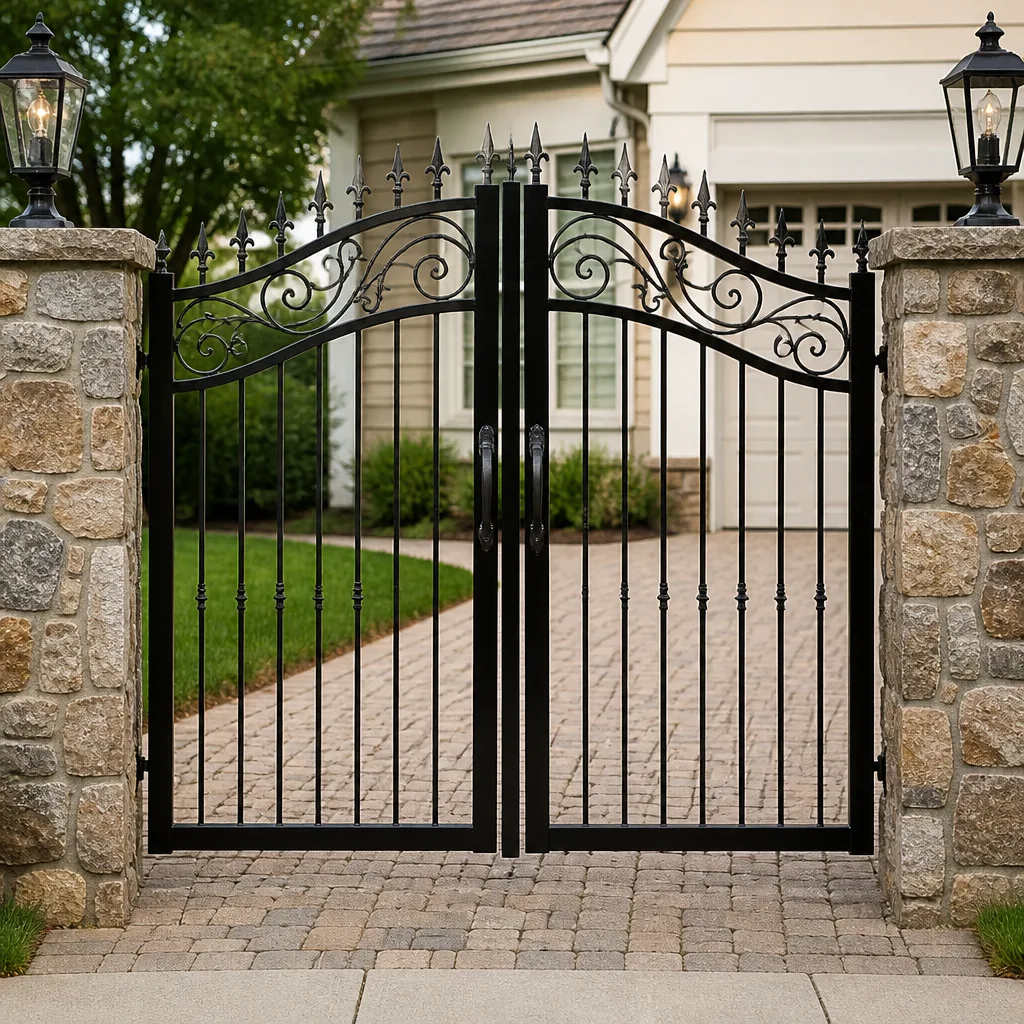 Wrought iron
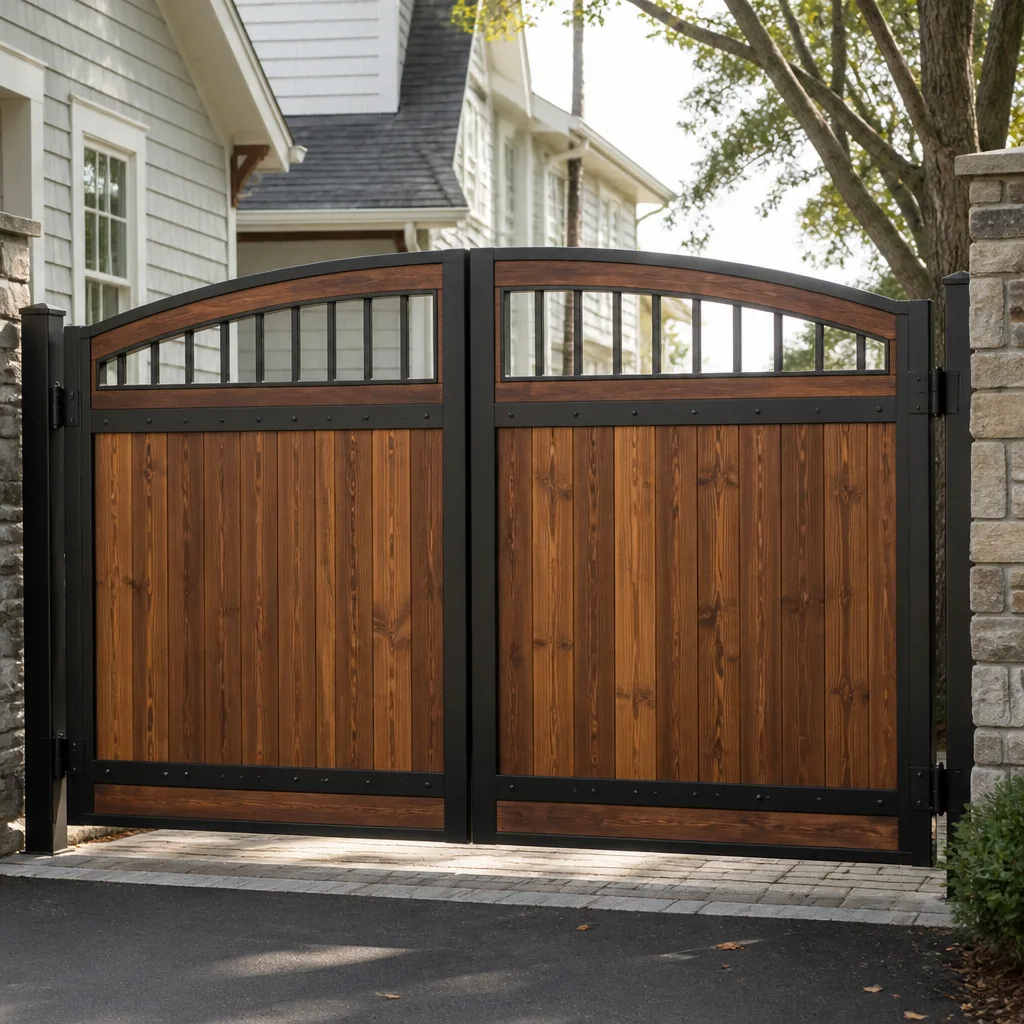 Wood & steel frame
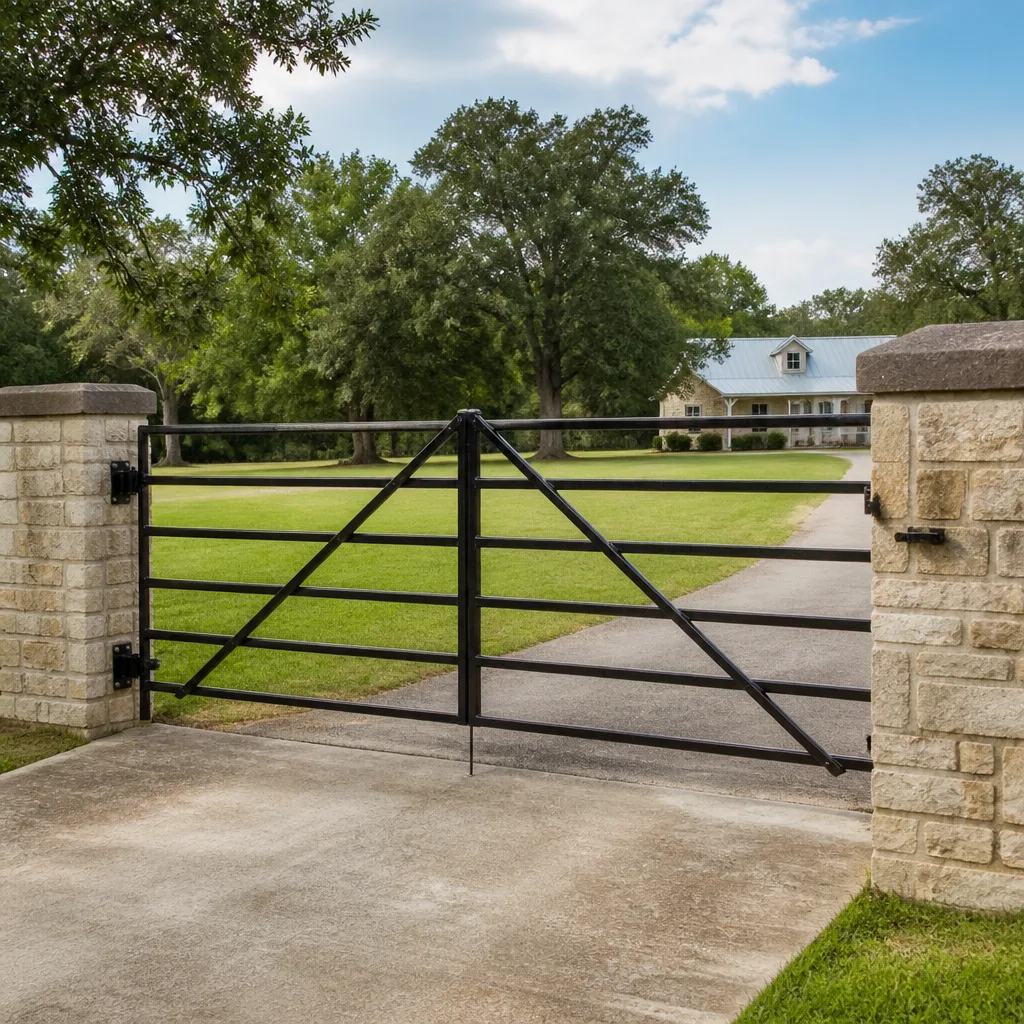 Farm & ranch
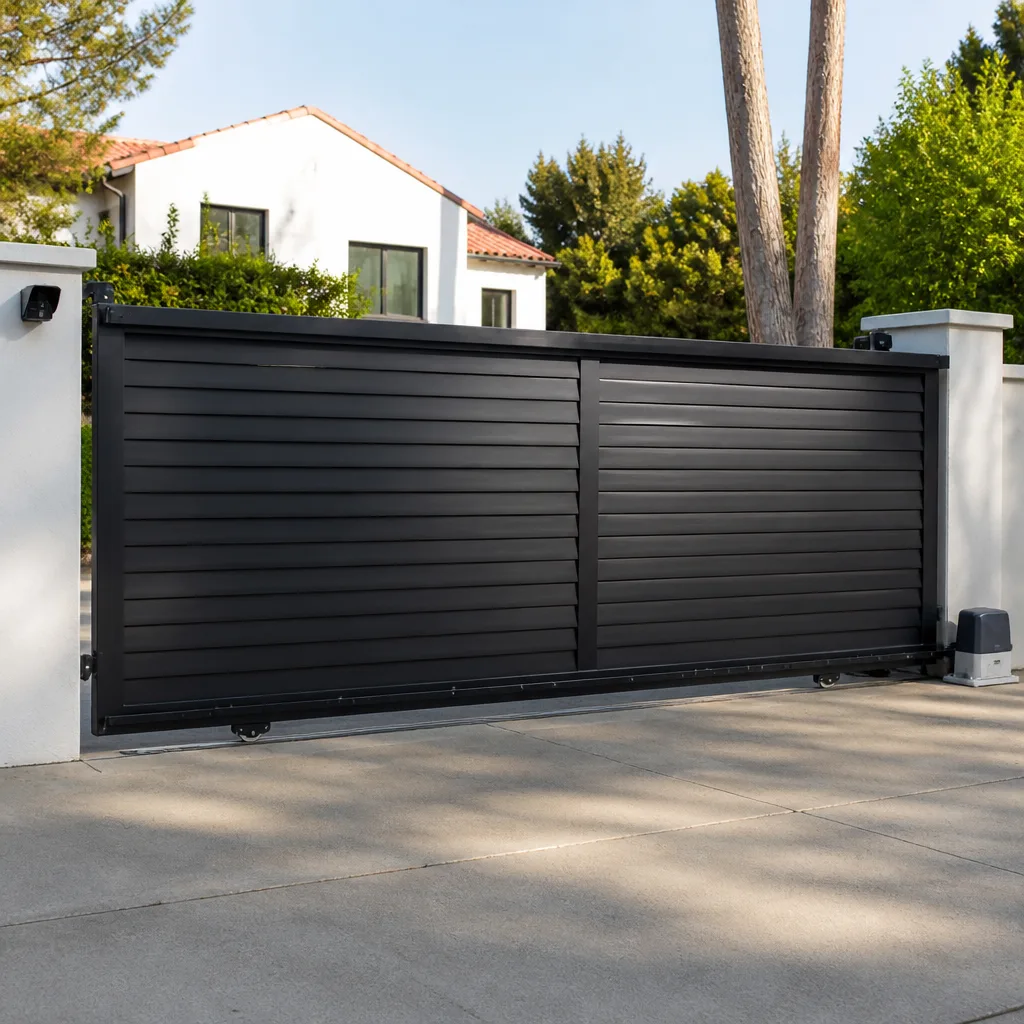 Sliding driveway gates
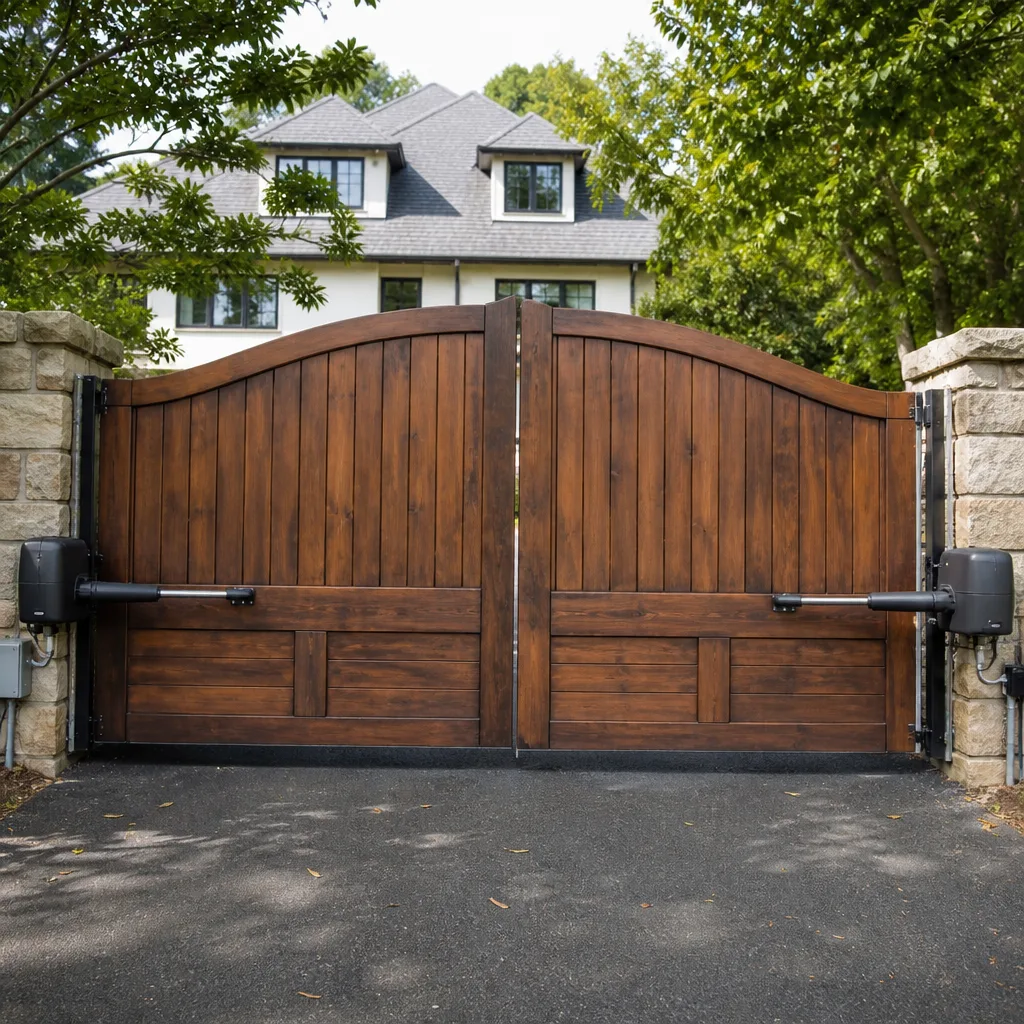 LiftMaster operators
Free on-site gate assessment - hinges, posts, and your LiftMaster or Nice gate operator checked before anything is quoted
The assessment is free and the quote is the invoice.
Get your free estimateGate Repair Warning Signs: A Killeen Homeowner’s Reference Guide
A gate that hesitates for half a second before opening isn’t “getting old.” It’s a motor drawing excess current, which means you have weeks rather than months before the thing stops opening entirely. Most homeowners only notice the final symptom: the gate that won’t move at all. By then, the cheap warning has usually become the expensive failure. Gate systems give at least three detectable warnings before they quit, and the earliest ones are quiet enough that you have to know what you’re listening for. This guide walks you through the full warning hierarchy, the brand-specific error codes you’ll see on the operators common around Killeen, what to check on the gate versus the operator versus the control board, and how to figure out whether a symptom can wait or needs a technician this week.
Quick Answer
The three tiers of gate warning signs are early signals (unusual sounds, hesitation, partial movement), mid-stage signals (error codes, inconsistent behavior between cycles), and late-stage signals (full failure modes like a gate that reverses, stalls, or won’t move). Any safety sensor failure moves straight to the top of the urgency list and warrants same-week service, while a slightly noisy hinge can be monitored for 30 days. Recording each symptom with a date and description makes diagnosis faster and usually cheaper.
Styles & brands we work with
- Wrought iron
- Wood & steel frame
- Farm & ranch
- Sliding driveway gates
- LiftMaster operators
Table of Contents
- Why Automatic Gates Warn You Before They Fail
- The Three-Tier Warning Hierarchy
- Brand-Specific Error Codes for Killeen Operators
- The Physical Inspection Checklist
- Safe to Monitor vs. Call This Week
- Keeping a Gate Log That Saves You Money
- What Killeen Weather Does to Gate Hardware
- Common Mistakes to Avoid
Why Automatic Gates Warn You Before They Fail
An automatic gate is a chain of components that all report to one another: the operator motor, the control board, the safety sensors, the receivers, and the physical hardware the gate rides on. When one of them starts drifting out of tolerance, the others absorb the load. The system keeps working, just less efficiently. That’s the window where symptoms appear, and it’s also the window where repair costs stay low.
We’ve seen this pattern across nearly every automated gate we work on in Killeen. A motor starting to draw too much current often shows up as a hesitation at the start of the cycle. A gate hinge with worn bushings makes the operator work harder, which shows up as strained sound. A failing safety loop might miss a vehicle only one time in twenty before it fails steadily. By the time any of these problems becomes obvious, the operator has usually been compensating for weeks.
The reason this matters now is that automated gate failures rarely happen in isolation. A worn hinge accelerates motor wear. A weak motor trips the control board’s thermal protection. A control board reacting to intermittent errors sends false safety signals. One small problem cascades into several. Catching the first warning stops the chain.
This is the practical value of understanding your gate as a system rather than as a single appliance. When you call a specialist for electric gate repair, the technician reads the warnings the same way a mechanic reads engine codes. They tell you the story of what’s about to fail.
The Three-Tier Warning Hierarchy
Every warning sign you’ll encounter belongs to one of three tiers. Knowing which tier a symptom belongs to tells you how urgent it is and roughly how much the repair will cost. Skipping the earlier tiers doesn’t make them disappear; it just means you meet them at the top.
Tier 1: Early Signals (Weeks to Months Before Failure)
Early signals are what most homeowners overlook because they don’t stop the gate from working.
- Unusual sounds: grinding, squealing, clicking that wasn’t there before, or a motor that sounds louder than it used to.
- Hesitation: a pause of half a second or more between pressing the remote and the gate starting to move.
- Partial movement: the gate opens or closes most of the way but not fully, or reverses right before hitting the end of the cycle.
- Slightly sluggish operation in cooler mornings, which resolves as the day warms up.
- The gate “bouncing” slightly at the end of travel instead of stopping cleanly.
- A remote that needs a harder press or has shorter range than it did last month.
These symptoms usually indicate hinge or wheel wear, low battery in the remote, a receiver that needs repositioning, or a motor pulling more current than it should. Most can be monitored for up to 30 days before scheduling service, unless they worsen.
Tier 2: Mid-Stage Signals (Days to Weeks Before Failure)
Mid-stage signals are where the gate’s own diagnostic systems start telling you something is wrong. This is the best tier to catch a problem in, because the diagnostic codes shorten troubleshooting time and the parts involved are usually cheaper than a full operator replacement.
- Error codes blinking on the control board or operator display.
- Inconsistent behavior, where the gate works fine five times and then refuses to open on the sixth.
- A gate that stops mid-travel without a visible obstruction.
- Remote range dropping to a few feet, or the gate only responding when you’re directly in front of it.
- Safety sensors that occasionally fail to detect a vehicle, or that trip the gate when nothing is there.
Any of these warrants a service call within the next week or two. Something is out of tolerance, and it will continue to degrade.
Tier 3: Late-Stage Signals (Call Now)
Late-stage symptoms are the ones that get the gate on the phone immediately.
- The gate won’t move at all, or moves in one direction only.
- The gate reverses every time it tries to close, even with no obstruction.
- A safety sensor that fails to detect a vehicle in the path, checking the gate’s closing cycle repeatedly.
- A heavy slide gate that has come off its track or a swing gate whose hinge has failed and dropped.
- Any sparking, burning smell, or visible damage to operator wiring.
Late-stage symptoms cost the most to fix and involve safety risks that don’t exist at the earlier tiers. If a gate has failed to stop for a vehicle, getting it back to proper operation is not optional.
Brand-Specific Error Codes for Killeen Operators
Error codes are your gate’s way of naming the problem instead of making you guess. Each brand reports differently, and knowing what the pattern means saves diagnostic time on the first visit. We service all nine major gate systems including Mighty Mule, LiftMaster, FAAC, and BFT, and the codes below cover the most common operators we see around Killeen.
LiftMaster Blink Codes
LiftMaster operators typically use a diagnostic LED on the control board that blinks in repeating patterns. The number of blinks between pauses is the code, and the sequence repeats until you clear the condition or power-cycle the board.
- A repeating blink pattern that doesn’t match any obstruction condition usually points to a limit or safety sensor fault. Check the sensor alignment first.
- Blinks that continue after power-cycling often indicate a control board fault rather than a sensor issue.
- A single blink pattern right after startup is often the operator’s way of reporting a low battery on the accessory or remote side.
Count the blinks between pauses and note them before calling. A technician can interpret the count immediately over the phone and often come prepared with the right part.
Viking Display Codes
Viking operators with an LCD or diagnostic display show codes as readable characters, which makes them easier to interpret. A code shown at startup that clears once the gate moves is frequently a sensor or loop check that resolved itself. A code that persists during the cycle points at the operator or the board.
US Automatic LED Patterns
US Automatic operators report through LED status indicators on the board. A steadily lit LED usually means the board is powered and healthy. A blinking LED is reporting a state, and it’s worth noting whether the blink is steady, irregular, or only happens when the gate is moving.
If you can’t identify your brand’s reporting method, check the inside of the operator housing for a model label and write down whatever letters and numbers you see. That label alone lets a specialist match the code to the right documentation. Working on your brand rather than around it is the difference between an efficient repair and a guessing game, and it’s why gate repair specialists spend most of their diagnostic time reading the codes rather than disassembling the operator.
The Physical Inspection Checklist
A gate has three systems that can each produce warning signs: the gate itself, the operator (motor and drive), and the control board (electronics and sensors). Walk through all three before calling so you can describe what you saw.
What to Check on the Gate Itself
- Hinges. Look for visible play, cracked welds at the hinge plates, or shiny metal where a hinge pin has been working its way out.
- Wheels (slide gates). Roll the gate slowly by hand and listen. A wheel that wobbles on its axle or leaves a scuff mark has worn through its bearing.
- Weld cracks. Inspect frame corners and post mounts for hairline cracks. Cracks that grow over a few weeks are a sign of structural stress and need attention before the gate drops or shifts.
- Track and ground (slide gates). A track with a bend, a low spot, or debris in it forces the operator to work harder.
- Latch and stop points. A gate that binds against its stop has an alignment problem that gets worse with every cycle.
What to Check on the Operator
- Motor sound. Listen during a full cycle. Normal is consistent and steady; abnormal is louder at the start, at the end, or through a specific portion of travel.
- Manual release. Test the manual release per the manufacturer’s instructions. It should allow the gate to move freely by hand. Stiffness here is a warning about internal drive wear.
- Operator mounting bolts. Loose bolts let the operator shift, which throws off limit positions.
- Visible wear on the drive chain, belt, or arm. Look for elongation on chains and fraying on belts.
What to Check on the Control Board
- Indicator LEDs. Note which are lit, which are dark, and which are blinking. Blink patterns are the codes covered in the previous section.
- Safety sensor alignment. The receiving sensor should show a steady status light when nothing is interrupting the beam or loop. Intermittent status means the sensor or loop has a wiring problem.
- Visible corrosion or insect intrusion. In Killeen’s summer heat and spring humidity, control enclosures that aren’t fully sealed attract insects and moisture that cause phantom faults and false sensor trips.
- Burned or discolored terminals. Any sign of heat at the wiring terminals points to overload or a loose connection.
Photograph whatever you find. Photos of the control board LEDs and gate hardware give the technician a head start and let you ask a more useful question when you call in.
Safe to Monitor vs. Call This Week
Not every symptom means emergency service, and part of a homeowner’s job is knowing which is which. The single most important rule: a safety sensor failure always wins the urgency contest. A sensor that doesn’t reliably detect a vehicle in the gate’s path is the one issue that should never wait a day, let alone thirty.
Warning Signs You Can Monitor for 30 Days
- A noisy hinge or wheel that is annoying but not yet binding.
- A slight hesitation (under a full second) at the start of the cycle.
- One remote that works less reliably than the others, or has reduced range.
- A gate that stops cleanly but bounces slightly at the end of travel.
- Cosmetic rust or finish wear that isn’t affecting operation.
Monitor means you watch and record. If a symptom on this list gets worse during the 30 days, it moves down the list to the next category.
Warning Signs That Warrant Same-Week Service
- Any error code that persists after a power cycle.
- Inconsistent gate behavior across multiple consecutive cycles.
- A gate that binds, sticks, or needs a push to complete the cycle.
- Significant change in motor sound or run time.
- Visible cracks in gate frame welds or hinge plates.
- A slide gate that shows any sign of riding up on its track.
Warning Signs That Require Same-Day Service
- Any safety sensor fault, drift, or intermittent detection issue.
- The gate fails to stop when it should.
- The gate reverses every cycle even with a clear path.
- A heavy gate that has come off its track or dropped at a hinge.
- Sparking, burning smell, or visible damage to operator wiring.
The gate’s electrics and the forces a heavy gate panel generates are the two places where homeowner intervention can cause real harm. Any time the safety sensors, the operator wiring, or a suddenly unsupported gate panel is involved, the answer is a trained technician. We work on gates in Killeen and the surrounding area every week, and we’d rather take a call early than diagnose a failure that could have been prevented. For a Gate Repair Killeen service call on a lower-tier symptom, call (866) 722-0161. We answer 24/7 and dispatch Sunday through Friday, 7am to 7pm.
Keeping a Gate Log That Saves You Money
A gate log is one of the least glamorous and most effective things you can do for your gate. It costs nothing, takes two minutes per entry, and shortens diagnostic time on every visit. The reason is simple: gate problems are almost always patterns, and patterns are invisible in a single observed moment.
Here’s how to keep one:
- Pick one place. A notebook inside the gate’s operator housing is too risky because it can interfere with the electronics. A note in your phone, a small notebook on the kitchen counter, or a shared note between household members all work.
- Record the date and time. Note whether it was the first cycle of the day or the twentieth. Problems that appear on the first cycle of a cool morning point to something different than problems that appear mid-day.
- Describe the symptom in plain words. “Hesitated about one second before opening, then ran normal” is more useful than “acting weird.”
- Note the weather. Killeen summers push operators hard, and heat and humidity can surface faults that don’t appear in cooler weather. Recording the weather lets the technician know whether the symptom is temperature-related.
- Note which remote or keypad was used. Not every fault lives in the operator; sometimes a specific remote or wireless keypad is the source.
- Note whether it self-corrected. A symptom that appeared once and never returned is often an intermittent sensor or receiver event. One that repeats is a real problem.
Our technicians have up to 13 years of experience, and the single biggest diagnostic time-saver we see is a homeowner who can say “it started three weeks ago, only on the first opening of the day, and only when the temperature was below 60”. That one sentence rules out half the possible causes before anyone touches the gate. Compare that to “it’s just not working right” which starts from zero.
A log also protects you on larger decisions. If a technician recommends operator replacement, the log is your record that the same symptom has been recurring for weeks and previous repairs were attempted. And when you move or sell the property, the log is a maintenance record of your automated access system.
What Killeen Weather Does to Gate Hardware
Winters in Killeen are mild, so the kind of cold-weather stress that fails gates in northern states isn’t the local story. The stress here is heat and dry spells. Summer temperatures hold the gate’s operator and control board at elevated temperatures for months at a time, which speeds up wear on internal components and can prompt thermal cutoff faults on operators that are already working hard. UV exposure over years makes paint, plastic sensor housings, and outdoor remotes brittle. Spring humidity and the occasional heavy rain event push moisture into enclosures not fully sealed.
The practical effect is that most local warning signs we see fall into three categories: motor strain symptoms in mid-summer, sensor and wiring faults in humid periods, and mechanical wear from dust and grit getting into hinges and track wheels. None of these are emergencies if caught early. All of them become expensive if left.
If your property sits on a lot with a long unpaved driveway, or under mature trees that drop debris, expect the gate to need mechanical attention more often. If the property has a security or access control setup that logs opening cycles, borrow that data too. It’s already a gate log.
Common Mistakes to Avoid
- Waiting for the gate to fail completely before calling. A gate that still opens, even slowly, has more repair options than one that has stopped. Waiting almost always moves you up the cost curve.
- Greasing everything. Over-greasing the wrong spots attracts dust in Killeen’s dry stretches and turns grease into grinding paste inside hinge bushings and track wheels. Only lubricate points the manufacturer actually calls out for lubrication.
- Force-cycling a gate that is binding. Opening and closing a gate that sticks by leaning on the remote compounds wear in the motor and the gate. Find the cause instead.
- Replacing the remote when the receiver or battery is the problem. A remote that “stopped working” usually hasn’t. Test other remotes, check the receiver antenna position, and only then replace the remote.
- Ignoring a safety sensor warning because “it mostly works.” A sensor that works nine times out of ten is a failing sensor, and the tenth time is the one that hurts.
- Using a generalist to diagnose a brand-specific fault. A technician who is reading a LiftMaster board for the first time has to guess. A specialist who knows the brand’s reporting method walks straight to the fault. If your gate runs on a LiftMaster, Mighty Mule, or similar, ask whether the shop actually services that brand.
- Skipping the pre-storm check. Killeen sees spring storms that drop debris on tracks and knock sensor alignment out. A 10-minute check after any significant storm prevents most storm-related service calls.
See the difference
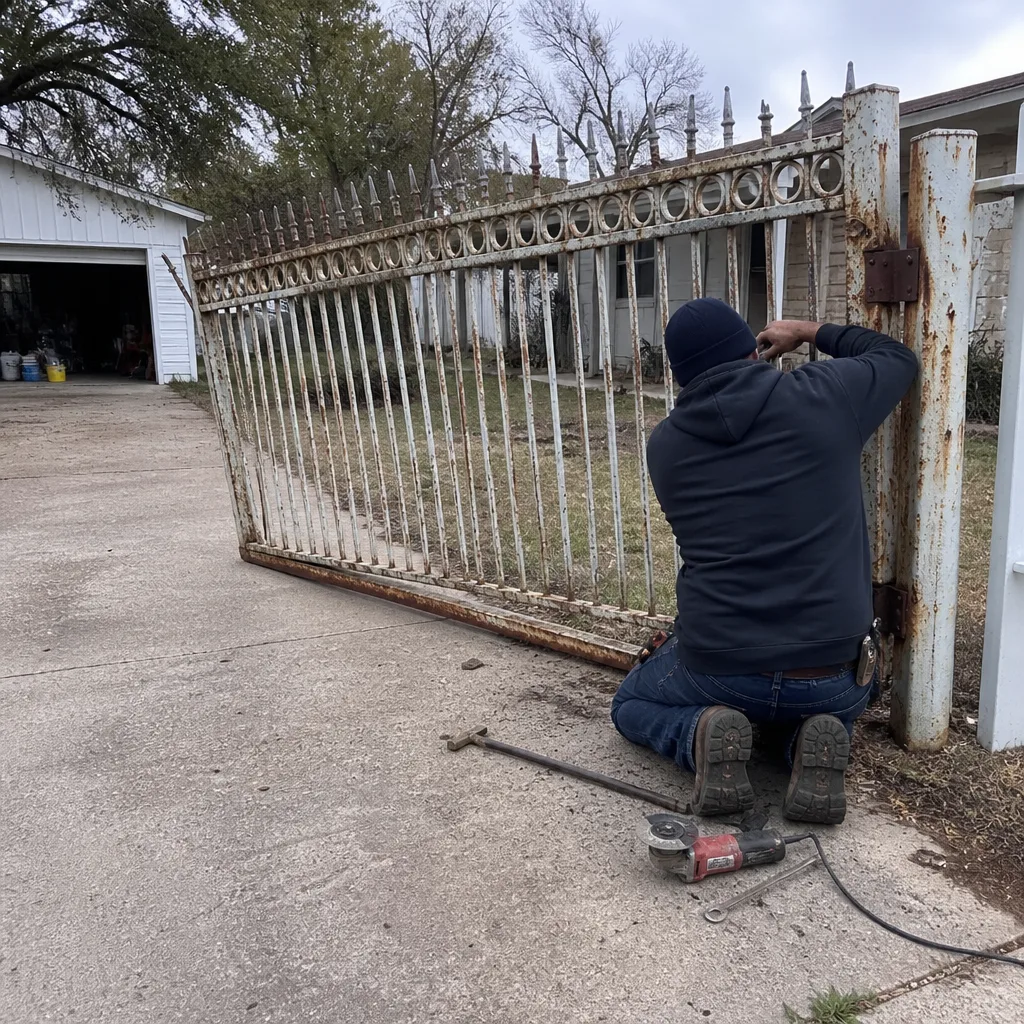 Before
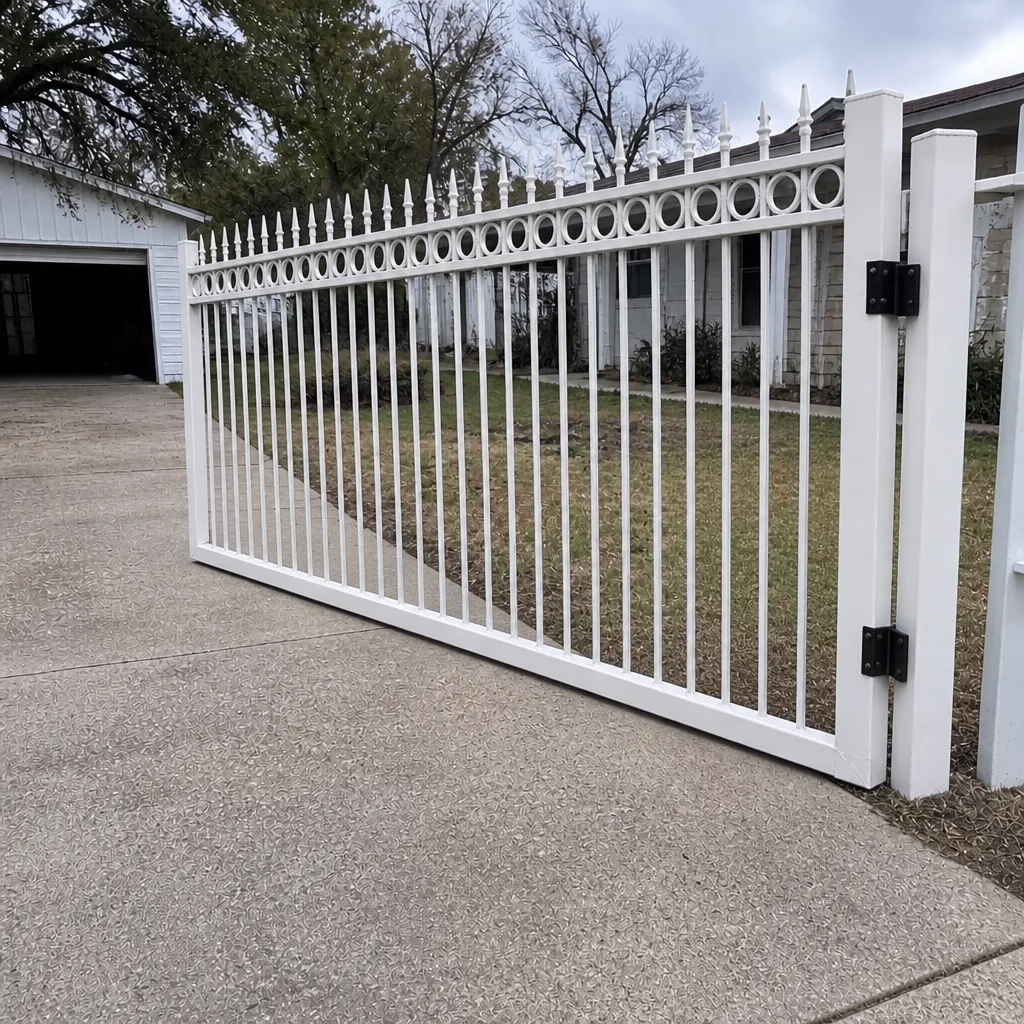 After
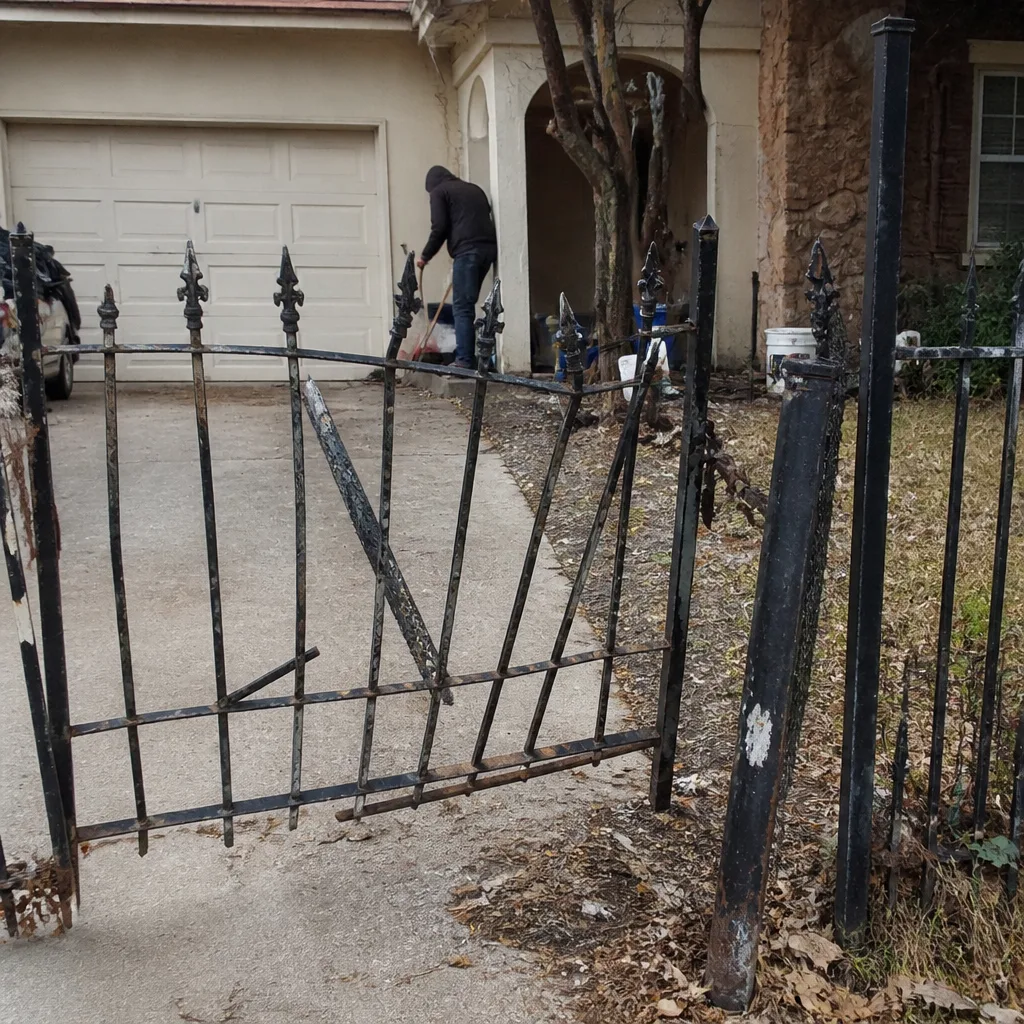 Before
 After
 Before
 After
When to Call a Professional
Call a professional when the symptom involves a safety sensor, when the gate has failed structurally or dropped, when an error code persists after a power cycle, when the operator makes unfamiliar sounds, or when you can’t reliably identify the brand and model of the system. We also want the call when the warning signs are vague but repeated over weeks: patterns that haven’t yet failed the gate are still worth diagnosing early, and early intervention is where the cost savings live. Gate Repair Killeen offers free estimates in Killeen, and our technicians have up to 13 years of experience across the major gate systems. Call (866) 722-0161. We answer 24/7. Fast dispatch from 7am to 7pm, Sunday through Friday.
Frequently Asked Questions
Safety sensor failure is the most important warning sign. A sensor that intermittently fails to detect a vehicle in the gate’s path, or that trips the gate for no visible reason, is the one symptom that should never wait for the next scheduled service. Call (866) 722-0161 for an exact quote – estimates are free.
Gate repair in Killeen is quoted per job after a technician inspects the system, and the price is agreed in writing before any work starts. There’s no single range that covers every case because a hinge replacement and a control board replacement are different jobs. The written estimate from Gate Repair Killeen sets the final price. Call (866) 722-0161 – estimates are free.
Yes. For a gate that has failed completely, called with a stuck gate in Killeen, we book the soonest available dispatch. We answer 24/7. Fast dispatch from 7am to 7pm, Sunday through Friday. If the gate has stopped and the only issue is a power or safety sensor fault, don’t force it.
Count the number of blinks between pauses on the diagnostic LED inside the control board. The pattern repeats until the fault clears or the board is power-cycled. Note whatever count you see and what the gate was doing when the code appeared, then call (866) 722-0161 with that information. The technician interprets the code before arriving, which shortens the repair visit.
Yes. Mechanical noise without binding or hesitation is the category you can monitor for up to 30 days. Watch for anything that gets worse during that window: the hinge moves to mid-stage as soon as the gate starts to bind. If you’re unsure which tier a symptom belongs to, call (866) 722-0161 – estimates are free.
Yes. Electric and automated gate systems are our core work, including control boards, operators, receivers, safety loops, and access hardware. Power runs and sensor work are part of the same visit that diagnoses the fault. Call (866) 722-0161 – estimates are free.
The Bottom Line
Every automated gate gives at least three warnings before it gives up entirely. The early tier shows up as hesitation, unusual sounds, or partial movement. The mid-tier shows up as error codes and inconsistent behavior. The late tier shows up as a gate that won’t move, reverses for no reason, or has come off track. Understanding which tier a symptom belongs to tells you whether you have 30 days, a week, or same-day urgency, and any safety sensor failure always wins on urgency. Keeping a simple gate log of each unusual event makes the eventual diagnosis faster and cheaper. In Killeen, most mechanical issues are heat-and-dust problems that respond well to early detection. When in doubt, get a free estimate rather than wait for the failure.
Call (866) 722-0161 for a free estimate. We work on gates in Killeen and the surrounding area, we know the brands on your gate, and we’re focused on gate repair, electric gate repair, and gate installation only. We answer 24/7. Fast dispatch from 7am to 7pm, Sunday through Friday.
Written by the team at Gate Repair Killeen.